









What is Twitter Bookmark? How to create a bookmark on Twitter

For years, the Twitter (now X) Bookmark was simply a private sticky note – a quiet way to save a useful thread to read later without cluttering your public “Likes” tab.
However, in the current X algorithm, Bookmarks have evolved into something much more powerful. X now publicly displays the bookmark count on every post. More importantly, the algorithm treats a bookmark as a “Super Like.” When users bookmark your content, it signals to the system that your post is highly valuable, drastically boosting your organic reach.
Whether you are a casual user curating a swipe file or a digital marketer looking to game the algorithm, here is the advanced guide to mastering Twitter Bookmarks.
What is a Twitter Bookmark (And Why Does It Matter)?
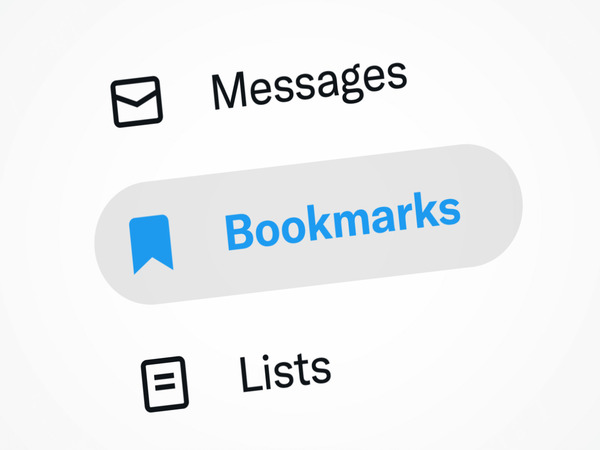
A bookmark allows you to privately save tweets. While your followers can see what you Like or Retweet, your Bookmark folder is entirely hidden. No one – not even the author of the tweet – knows exactly who bookmarked their content, although they can see the total number of bookmarks their post received.
Why Growth Hackers care about Bookmarks:
-
Competitor Research: You can save competitors’ high-converting ads and viral threads without giving them a public engagement notification.
-
Algorithmic Weight: Posts with high bookmark-to-like ratios are pushed aggressively to the “For You” page.
How to Manage Bookmarks Efficiently
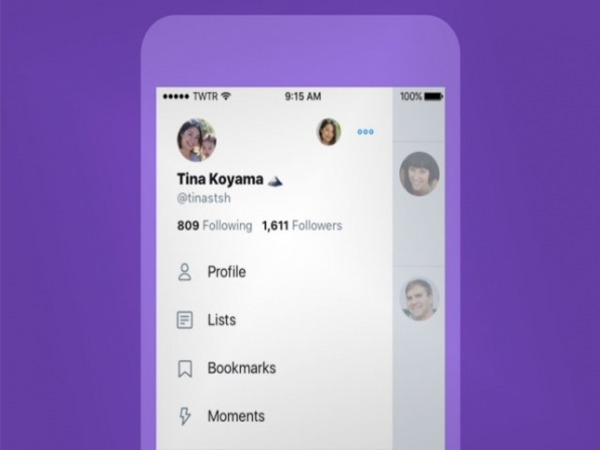
Saving a tweet is instantaneous, but retrieving it later can become chaotic if you don’t organize your workflow.
Creating a Bookmark (Mobile & PC):
-
Locate the Share icon at the bottom right of any tweet.
-
Tap or click Bookmark.
-
The bookmark icon will turn blue, confirming the post is saved to your private list.
Pro-Tip for X Premium Users (Folders): If you have X Premium, you unlock the Bookmark Folders feature. Instead of dumping everything into one endless list, you can categorize saved tweets (e.g., “Crypto Airdrops,” “Copywriting Hooks,” “Meme Templates”). When you click the bookmark button, long-press it to select exactly which folder the tweet should go into.
Deleting and Cleaning Your Swipe File
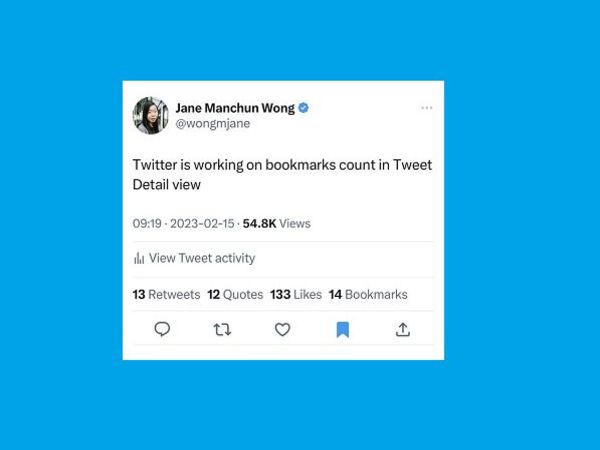
Information overload is real. A cluttered Bookmark folder defeats its own purpose. You should audit your saved tweets weekly.
To remove a single tweet: Navigate to your Bookmarks tab via the left-hand menu. Find the outdated tweet, tap the blue bookmark icon again, and it will instantly vanish from your list.
To clear everything at once: If you are on a computer, click the three-dot menu (“…”) at the top of your Bookmarks page and select Clear all Bookmarks. Warning: This action cannot be undone.
The MMO Strategy: Farming Bookmarks for Viral Reach
Because the X algorithm heavily weights bookmarks for its recommendation engine, MMO professionals no longer just farm Likes and Retweets; they farm Bookmarks.
If you drop a massive thread about an upcoming token launch or a marketing case study, getting a rapid influx of bookmarks within the first hour triggers a viral algorithmic push.
How is this done safely? Professional engagement pods utilize a Box Phone Farm integrated with a rotating Router Proxy. By operating dozens of physical devices on clean residential IPs, creators can funnel undetectable, organic-looking bookmarks to their own main accounts. This hardware-level strategy simulates high-value user retention, forcing the X algorithm to blast the thread to the top of the “For You” timeline without triggering shadowbans.
Frequently Asked Questions
Frequently asked questions related to bookmarks on Twitter
Are my Bookmarks truly private? Yes. The total number of bookmarks on a tweet is public data, but the identities of the users who bookmarked it are strictly hidden.
Is there a limit to how many tweets I can bookmark? Currently, X imposes no hard limit on the number of tweets you can save. However, the UI can become sluggish if you hoard thousands of unorganized tweets without using Folders.
If I delete the Twitter app, do I lose my Bookmarks? No. Bookmarks are tied to your X account via cloud servers, not your local device storage. You can log in from a new phone or desktop, and your entire swipe file will be waiting for you.






 VOUCHER
 DEMO 1-1