








Web Telegram Explained: How to Access Telegram in Your Browser in 2025

If you’re running digital marketing campaigns, grinding MMO (Make Money Online), or managing business operations, being glued to a single phone just doesn’t cut it. You need scale. That’s where Web Telegram comes in.
This browser-based client gives you instant access to your chats, channels, and communities right from your desktop—no app installation required. Here is exactly how to use Web Telegram in 2025 to streamline your workflow and manage accounts at scale.
What is Web Telegram?
Simply put, it’s the browser version of the Telegram app. You get all your chats, media, and contacts synced in real-time. Because Telegram is a cloud-based service, your data is stored securely on their servers, letting you log in from any device instantly.
For power users running phone farms or automated marketing setups, this means quick, lightweight access without bogging down your PC with multiple heavy desktop apps.
Telegram Web A vs. Telegram Web K: Which Should You Use?
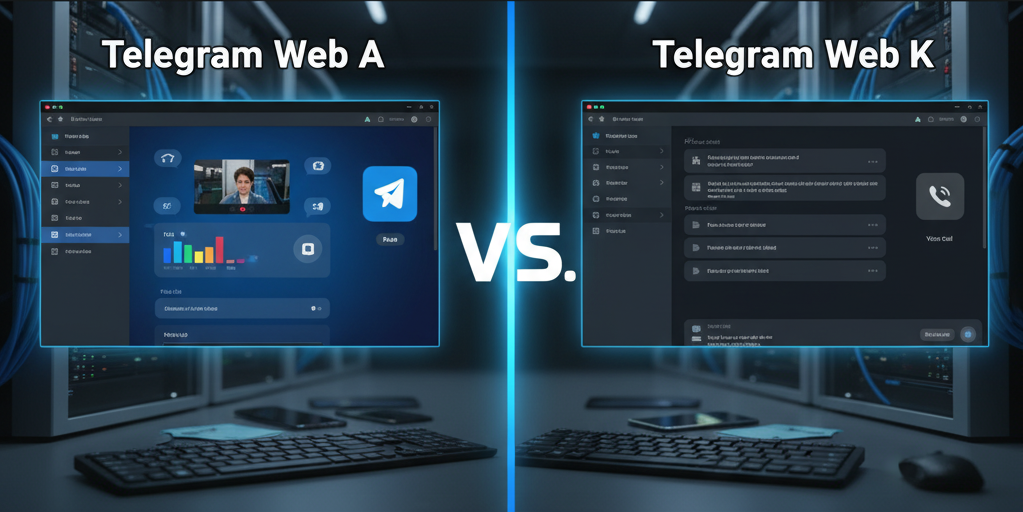
When you log in, you might notice two different versions. Telegram ran an internal competition to push innovation, resulting in two official web clients:
-
Telegram Web K: Built for raw speed and stability. It features a clean, minimalist interface and runs perfectly on older hardware or slower internet connections.
-
Telegram Web A: The modern, flashy version. It gets the newest features first (like new emoji packs and slick animations) and offers a richer user experience. It also handles voice and video calls seamlessly.
The 2025 Verdict: Go with Web A for a feature-complete experience that feels just like the native mobile app. If your machine is struggling or you just want pure speed, Web K remains a rock-solid alternative.
How to Set Up Web Telegram in Seconds
Getting started is incredibly easy. Just follow these steps:
-
Go to the Official Site: Open your browser and head to web.telegram.org.
-
Log in via QR Code (Recommended): This is the fastest way. Open the Telegram app on your phone, go to Settings > Devices > Link Desktop Device, and scan the QR code on your monitor.
-
Log in via Phone Number: Enter your phone number and grab the verification code sent to your active Telegram app (Note: it sends to the app, not via SMS).
Web Telegram vs. Desktop & Mobile Apps
While Web Telegram is incredibly convenient, it doesn’t entirely replace the dedicated apps. Here is a quick breakdown of what you get:
| Feature | Web Telegram | Desktop App | Mobile App |
| Installation Required | No | Yes | Yes |
| Voice & Video Calls | Yes | Yes | Yes |
| Secret Chats (Encrypted) | No | No | Yes |
| Multiple Accounts | No (One per tab) | Yes | Yes |
Note: The biggest limitation for marketers is the lack of native multiple-account support. To manage multiple accounts on the web, you’ll need to use different browser profiles or anti-detect browsers.
Scaling Web Telegram for MMO and Digital Marketing

This is where Web Telegram turns from a casual messaging app into a strategic marketing weapon.
Managing dozens of Telegram accounts on native apps is a massive headache and a quick way to get your accounts flagged. Here is how the GenFarmer ecosystem solves this problem:
-
Mass Account Management: By pairing Web Telegram with our Box Phone Farm hardware or Cloud Phone services, you can run hundreds of unique phone instances. Access them all via your browser using our Router Proxy to keep your IPs clean and distinct.
-
Seeding & Automation: Warm up your accounts using tools like GenFarmer Trust. Once they are ready, seamlessly jump into Web Telegram to monitor campaigns or handle manual customer engagement without installing extra software across your office machines.
Stop doing things the hard way. If you are ready to unlock true efficiency and scale your digital marketing operations, visit GenFarmer today to explore our Box Phone Farm and Router solutions. Automate, scale, and dominate your niche.
Frequently Asked Questions (FAQs)
Can I use multiple Telegram accounts on Web Telegram?
Not natively in a single tab. To run multiple accounts simultaneously, you need to use different browser profiles (like Chrome profiles), incognito windows, or an anti-detect browser setup.
Are Web Telegram chats fully secure?
Yes, standard chats are heavily cloud-encrypted. However, Telegram’s “Secret Chats” (which offer end-to-end encryption) are currently only available on the native mobile app.
Does Web Telegram drain my phone’s battery?
No. Telegram syncs directly from the cloud. Unlike older messaging web clients, your phone doesn’t even need to be connected to the internet once your Web Telegram session is active.






 VOUCHER
 DEMO 1-1